
Global keyboard lock
Blocks key presses system-wide while locked, so stray paws cannot type into your active app.
macOS 12.0+ · v1.1.0
A lightweight macOS keyboard lock that blocks accidental paw input during calls, editors, and chat windows.
Click the cat or press Lock to try blocking keys
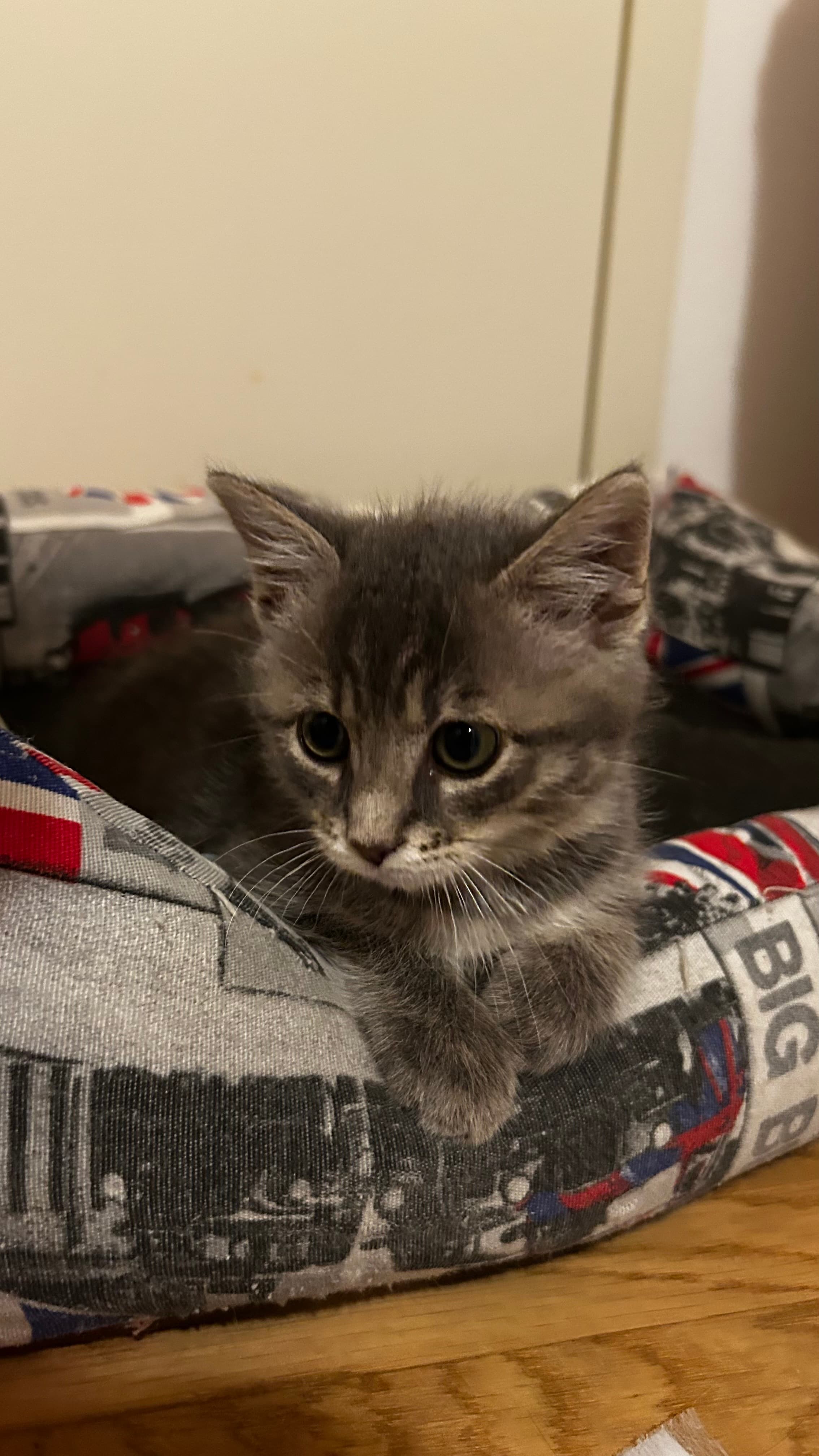
Hi! I’m Ondina, but my dad calls me Nina. I’m a rescued kitten, a full-time chaos machine, and the original CatKeyper product tester.
My dad tries to work from home. I try to improve his work by walking across the clicky rectangle with my tiny paws. He calls it “keyboard chaos.” I call it “helping.”
One paw on the wrong key, and boom: lkjsadhg;;;///zzx!! strange code, surprise emails, weird Slack messages, and what I believe humans call “panic.”
That’s when my dad built CatKeyper, a simple macOS app that locks your keyboard before your cat starts typing for you. Click once, protect your work, keep the cuddles coming.
Before all this fame, my humans found me alone near a crossroad on a stormy night. They gave me warmth, food, and love—and I gave them chaos, purrs, and one very useful idea for every cat owner with a keyboard.
CatKeyper sits in your menu bar and uses a low-level macOS event tap to swallow key presses while locked. Your cat can nap on the keys; your Slack thread stays safe.
Blocks key presses system-wide while locked, so stray paws cannot type into your active app.
Lock from the menu bar app with a single tap when your cat hops on the desk.
Hold Shift and press C, A, T to unlock without reaching for the mouse.
Built in Go with a small macOS app bundle. No background services or subscriptions.
Free and open source. Works with macOS 12.0 (Monterey) or later.
Recommended
Best for most people. Open the disk image, then drag CatKeyper to Applications.
catkeyper-1.1.0-macos.dmg
ZIP alternative
Prefer an archive? Unzip the archive, then drag CatKeyper.app to Applications.
catkeyper-1.1.0-macos.zip
Both downloads include the same free app. Only the installation format is different.
If macOS does not prompt for Accessibility access, open System Settings → Privacy & Security → Accessibility and enable CatKeyper.
Set up the app with confidence, keep control of your Mac, and know exactly how to unlock it.
From download to your first safe lock.
Open the recommended DMG and drag CatKeyper to Applications. If you choose the ZIP instead, unzip it first, then drag CatKeyper.app to Applications.
macOS requires Accessibility permission so CatKeyper can intercept keyboard input and block key presses system-wide while locked. CatKeyper works locally on your Mac. It checks keyboard events only while locked, so it can block key presses and recognize Shift + CAT. It does not record, store, analyze, or transmit your keystrokes or any other data.
On first launch, right-click CatKeyper.app, choose Open, then confirm. If locking still does not work, enable CatKeyper in System Settings → Privacy & Security → Accessibility, then restart CatKeyper.
CatKeyper requires macOS 12.0 (Monterey) or later.
What gets blocked—and two easy ways back out.
CatKeyper is a free, open-source macOS menu bar app that blocks keyboard input system-wide while locked, so curious cat paws cannot type into your active app.
Click Unlock in the menu bar app, or hold Shift and press C, A, T in sequence. You always have both ways to get back in.
No. CatKeyper blocks only keyboard input while locked. Your mouse and trackpad remain usable, so you can still open the menu and click Unlock.
Yes. CatKeyper is free and open source under the MIT license. Optional donations support development via Buy Me a Coffee.
Support the project
This app is free and open source. If it saved your meeting notes from a paw-storm, consider buying me a coffee.